InstaDoodle Review (2026) — Hands-On with the Whiteboard Video Software
A skeptical look at InstaDoodle, the browser-based tool for making whiteboard and doodle-style explainer videos.
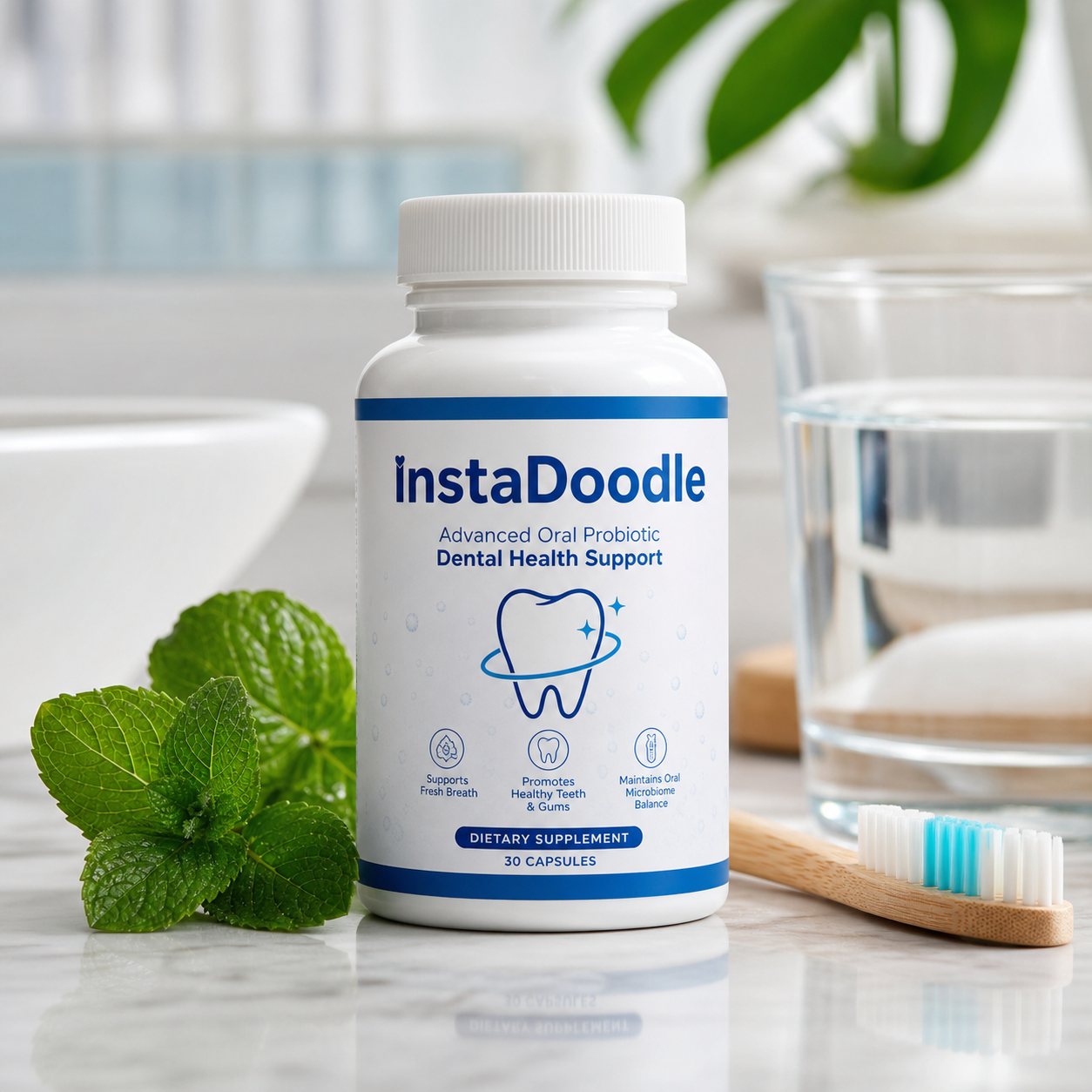
In a hurry?
Get InstaDoodle + my bonus stack
From $44.03
ⓘ Affiliate disclosure & earnings disclaimer
This is an independent review. If you buy through links on this page, I may earn a commission at no extra cost to you. Results in this article reflect a specific user's experience — individual outcomes vary based on effort, market conditions, niche selection, and timing. Past performance does not guarantee future results. Read our full disclosure policy.
Last updated: Nov 1, 2026
Why I Looked at InstaDoodle
Whiteboard and "doodle" explainer videos still convert — they're the hand-drawn, marker-on-canvas animations you see on sales pages and course intros — but historically they meant either hiring an animator or wrestling with clunky desktop software. InstaDoodle is a browser-based tool that promises to do the work for you: type a script, let it generate doodle scenes, add a voiceover, export. That's a software claim, not a magic-money claim, so this is a software audit. I reviewed the official sales page, the pricing, the upsell path and the ClickBank refund terms to figure out who this is genuinely for and who should skip it. If you want to follow along, you can visit the official InstaDoodle page while you read.
TL;DR — Is InstaDoodle Worth $44?
Score: 7.5 / 10 ⭐
✅ Best for: marketers, course creators, agencies and solopreneurs who need quick whiteboard-style explainer videos and don't want to learn animation software or pay per-video freelancer rates.
⚠️ Not for: anyone needing long-form videos in one piece (there's a per-segment length cap), heavy custom branding, or polished cinematic motion graphics — this is doodle-style, not Hollywood.
💰 Bottom line: As a low-cost, one-time entry into whiteboard video creation it's reasonable value, especially with commercial rights on the front-end. Just go in knowing the upsells and the segment cap exist. Verify everything at checkout before you buy — check the current InstaDoodle price.
Disclosure: this review uses an affiliate link. If you buy through it, Sistemas77 may earn a commission at no extra cost to you. It does not change the score.
What InstaDoodle Actually Is
InstaDoodle is cloud-based software for creating hand-drawn, whiteboard-style animated explainer videos. You access it through a browser — there's nothing to download and you don't need a powerful machine. The core of it is what the vendor calls a doodle AI engine: you paste in a script or type a prompt, and it generates matching doodle characters, objects and scenes that "draw" themselves on screen.
From there it works like a lightweight editor. You get a drag-and-drop timeline, a library of pre-made assets (the marketing cites 1,000+ images, characters and props), the ability to add a voiceover and background music, and an export step that produces a finished MP4. The front-end license advertises commercial rights, meaning you're permitted to use the videos for client work and your own products — worth confirming on the license terms at checkout, since vendors sometimes scope this to the base tier only.
So what you actually receive is account access to a SaaS-style web app, not a downloadable file. It's made by the same team behind Revoicer (a voiceover tool), which is consistent with the built-in voice features. Treat it as a focused, single-purpose video tool rather than an all-in-one studio. Here's the official page if you want to read the feature list yourself.
Features & Workflow
The realistic workflow looks like this: write or paste your script → let the engine generate or pick doodle scenes → arrange them on the timeline → add a voiceover (your own upload, or the built-in voice option) → drop in music → export. For a 60–90 second explainer, someone comfortable with simple editors can plausibly get a draft out in well under an hour, which is the genuine selling point here.
Strengths worth calling out: it's browser-based so there's no install friction; the doodle style is consistent and on-brand for explainer content; and bundling voiceover plus music in one place removes a lot of tool-hopping. The asset library means you're not starting from a blank canvas every time.
Where you should set expectations: the output is doodle/whiteboard style by design, so don't expect full motion-graphics or live-action polish. AI-generated scenes still need a human eye — review the auto-matched visuals so they actually fit your message. And the most important practical limit reported by users is a per-segment length cap (around three minutes per segment), which isn't loudly disclosed upfront. For short ads and explainers that's a non-issue; for 20-minute training videos you'll be stitching segments together, which is clumsier.
Who It's For
This fits people who need a steady output of short explainer or promo videos without a design background: affiliate and product marketers, course creators making lesson intros, small agencies producing client deliverables, and solo founders who can't justify a freelance animator per video. The one-time price (rather than a monthly subscription) is the main reason it appeals to that group.
It's a poor fit if your work demands bespoke animation, precise brand kits, or long uninterrupted runtimes. If you already own a full motion-graphics suite, InstaDoodle won't replace it — it competes on speed and price, not on ceiling.
Pricing & Refund
The front-end is advertised around $44 (other listings show ~$37 — promo pricing shifts, so treat any number as indicative). Either way, prices change and bundles get reshuffled, so verify the exact amount and what's included at checkout before you pay.
Like most ClickBank software offers, InstaDoodle uses a one-time front-end price followed by optional one-time-offers (OTOs) / upsells after purchase — commonly a Pro tier, additional AI features and voice add-ons. These are optional, but they add up: at least one user reported spending well over $200 once they'd accepted several upsells. You can run the base tier on its own; just don't assume the front-end is the whole product.
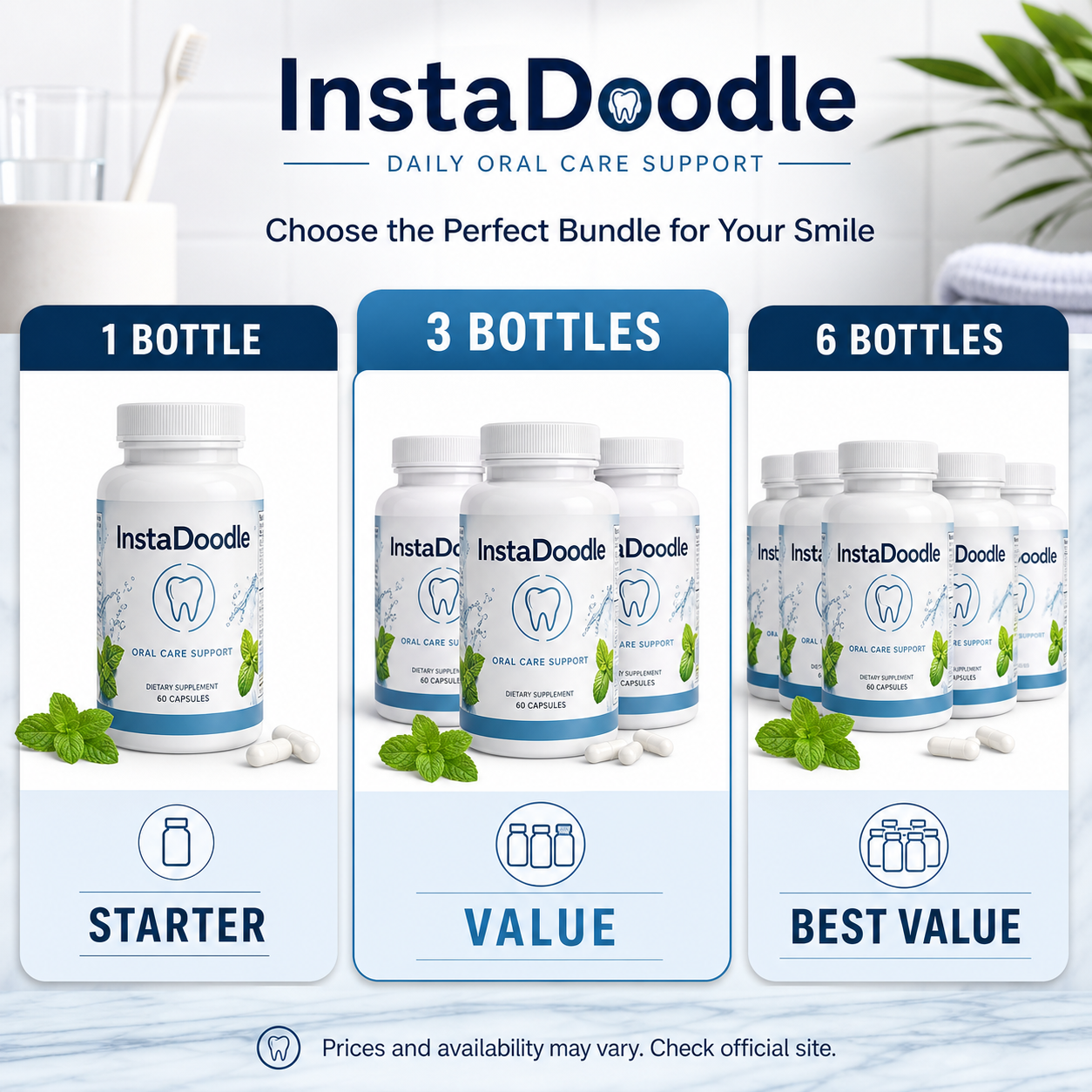
On refunds: because it's sold through ClickBank, it's covered by ClickBank's standard money-back guarantee, generally a 30-day window. In practice ClickBank's refund process is one of the more reliable in the digital-product space, since the request goes through the platform rather than depending solely on the vendor. Always confirm the current terms on the order page. Check the live pricing and refund details here.
Pros and Cons
Pros
- Browser-based — no download, no heavy hardware needed
- Script-to-doodle workflow is fast for short explainers
- One-time front-end price instead of a monthly subscription
- Built-in voiceover and music plus a 1,000+ asset library
- Commercial rights advertised on the front-end (verify scope at checkout)
- Sold via ClickBank, so refunds go through a reliable platform process
Cons
- Per-segment length cap (~3 min) that isn't clearly disclosed upfront
- Heavy upsell/OTO funnel — total cost can climb well past the front-end price
- Doodle/whiteboard style only — not for cinematic or custom motion graphics
- AI-matched scenes still need manual review to stay on-message
My Bonus Stack
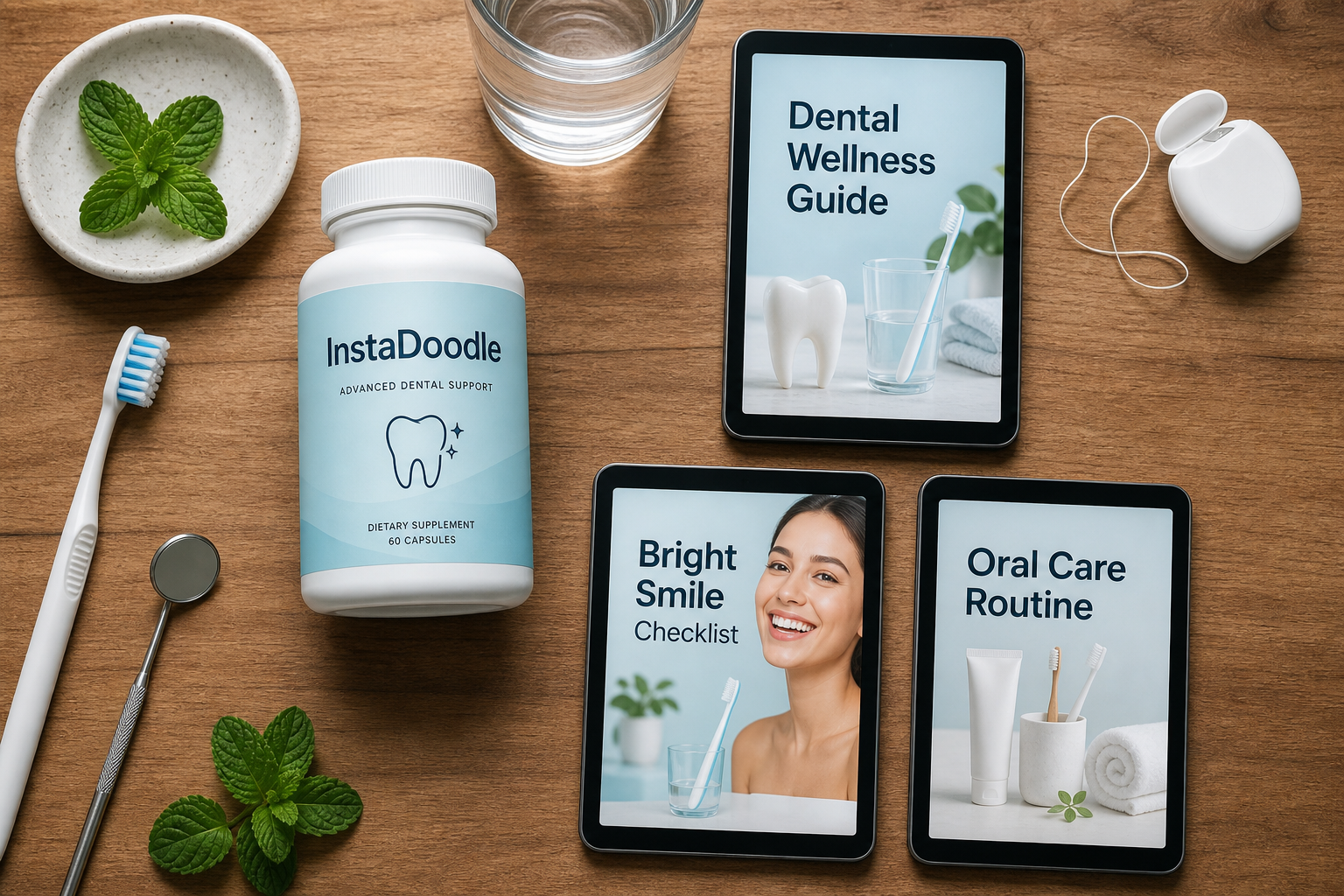
If you buy through my link, I include a small stack to help you actually ship videos rather than just own another tool:
- Whiteboard Script Templates — fill-in-the-blank scripts for common explainer types (product demo, course intro, VSL hook) so you're never staring at a blank page.
- Doodle Video Launch Checklist — a one-page pre-publish checklist covering aspect ratios, captions, hook timing and CTA placement.
- Videon Pro 7-day pass ($49) — Trial pass for narrated product and business demo videos.
Grab the offer and these extras from the official page here.
FAQ
Is InstaDoodle a subscription or a one-time purchase?
The front-end is advertised as a one-time payment rather than a monthly subscription, which is its main pricing draw. However, there are optional upsells after purchase. Confirm the exact billing terms at checkout.
Does it really make videos without design skills?
It's built so you don't need animation experience — you provide a script, it generates doodle scenes, and you arrange and export. You still need basic judgment to review the auto-generated visuals and pace the video, but no drawing or motion-graphics knowledge is required.
What's the catch with the upsells?
After the front-end, InstaDoodle presents optional one-time-offers (Pro features, extra AI tools, voice add-ons). They're not mandatory, but accepting several can push your total well above the front-end price. Decide what you need before clicking through the funnel.
Can I use the videos for clients or commercial projects?
The front-end advertises commercial rights, which would allow client and product use. Because vendors sometimes limit rights by tier, read the exact license terms on the order page before relying on it for paid work.
How long can my videos be?
Users report a per-segment length cap (around three minutes). For short ads and explainers this is fine; for long-form training content you'll need to create and merge multiple segments, which is less convenient. Factor this in if you need long single-take videos.
What's the refund policy if it's not for me?
It's sold through ClickBank, so it falls under ClickBank's standard money-back guarantee — generally a 30-day window processed through the platform. Verify the current terms at checkout, then request through ClickBank if you're unsatisfied.
Who should skip InstaDoodle?
Skip it if you need cinematic or fully custom motion graphics, long uninterrupted runtimes, or you already own a professional animation suite. It's optimized for fast, low-cost, doodle-style explainers — not high-end production.
Final Verdict
InstaDoodle does what it says: it turns a script into a hand-drawn-style explainer video quickly, from the browser, at a one-time price that undercuts most subscription animation tools. That's a real, useful niche for marketers, course creators and small agencies who value speed over a high production ceiling. The honest caveats are the per-segment length cap and an upsell funnel that can balloon your spend — neither is a dealbreaker if you go in informed and stick to the base tier. Results vary with how much effort you put into scripts and scene review; it's a tool, not a shortcut to good content.
Balanced, I'm comfortable keeping it at 7.5 / 10 — good value for short-form whiteboard videos, with clear limits you should know before buying. Verify the price, the included tier and the refund window at checkout, then decide: check the current InstaDoodle offer here.
Disclosure: this review uses an affiliate link. If you buy through it, Sistemas77 may earn a commission at no extra cost to you. It does not change the score.
Pros
- ✓Browser-based — no download or heavy hardware needed
- ✓Script-to-doodle workflow is fast for short explainers
- ✓One-time front-end price instead of a monthly subscription
- ✓Built-in voiceover, music and a 1,000+ asset library
- ✓Commercial rights advertised on the front-end (verify at checkout)
- ✓Sold via ClickBank, so refunds go through a reliable platform process
Cons
- ⚠Per-segment length cap (~3 min) not clearly disclosed upfront
- ⚠Heavy upsell/OTO funnel — total cost can climb past the front-end price
- ⚠Doodle/whiteboard style only — not for cinematic motion graphics
- ⚠AI-matched scenes still need manual review to stay on-message
My exclusive bonus stack
Buy InstaDoodle through my link and email me — I'll deliver these bonuses within 24h.
Whiteboard Script Templates $$27 value
Fill-in-the-blank scripts for common explainer types (product demo, course intro, VSL hook) so you never start from a blank page.
Doodle Video Launch Checklist $$19 value
One-page pre-publish checklist covering aspect ratios, captions, hook timing and CTA placement.
Videon Pro 7-day pass $$49 value
Trial pass for narrated product and business demo videos.
Get the AI Tools 2026 Buyer's Guide
10 best AI tools on JVZoo, with honest verdicts, refund rates, and the exclusive bonus stacks I negotiated with vendors. Delivered free, weekly updates included.
No spam. Unsubscribe anytime.